
How I Changed My Email With a Plan & Follow-through
Ever think about changing your email address? I actually have off and on and have even made a few extra ones for email newsletters and for my LLC. But making an entirely new one in place of the one I’ve been using personally for 15-20 years and also planning to use it for my LLC, well, it’s a bit overwhelming.
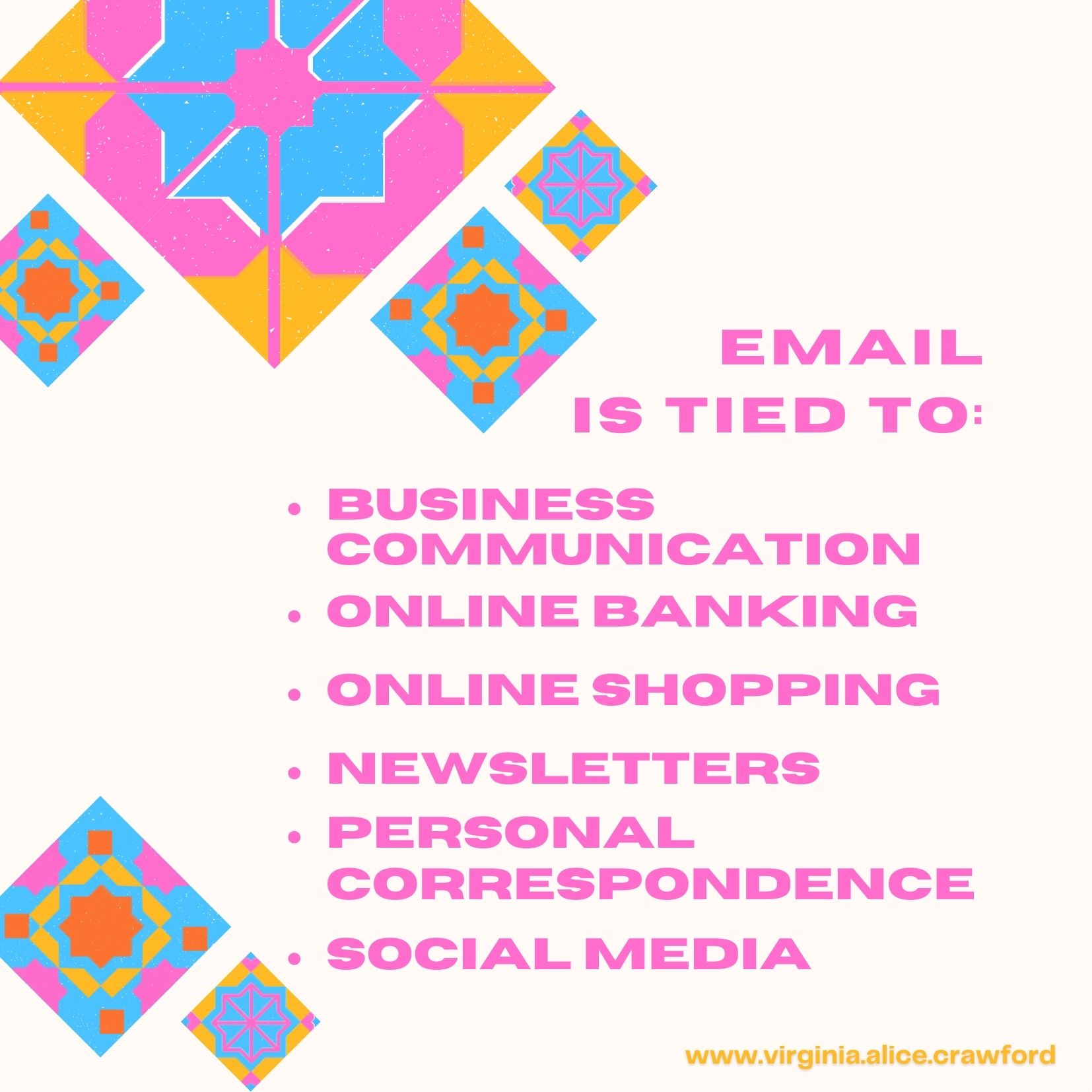
When I realized exactly how much of my life is tied into my current email address from emailing personal friends and family to being the main access to online payment options for bills, banking, and online shopping, I became especially concerned. Although I spent an important amount of time considering what a drastic change this is, I recently took the plunge. And I’m here to share with you how I did it and what I have learned.
Oh, a little side not here. Not only did I update my personal email address, by my day job work email upgraded and changed from sharing one email for the entire office to having one email address per employee. So, email life has certainly been challenging lately.
About Developing a Plan
Once you have made the decision to create a new email address and get rid of the old one, do not panic. Formulate a process for tracking what accounts you will be updating from your old email address to your new email address. In my case, it is every single account. Not only that, once I get a good handle on this, I will be eliminating as many of my other emails created when forming my LLC (self-publishing) company as possible. My goal is to get down to only two emails, three at the most. Sadly, my Gmail account won’t let me update to my new Gmail email (but that’s a task for another day).
At home, my process is easy. I am using an Excel spreadsheet and listing every account in alphabetical order. I update it as I update each online account with my new email address. I do this once a week when I pay bills and, so far, it is working well. I include those accounts I’m paying and try to tackle other accounts I subscribe to for newsletters, freebies, etc. For some, I unsubscribe my old email address and re-subscribe with my new email address. And some, I unsubscribe completely (yes, great opportunity to clean up the inbox!).
Now, at work, it’s a little trickier. I have only been there 18 months. And, although there has been an attempt to tackle this project, there really isn’t a list of who our vendors are and how previous employees would have set up an online account. So, it takes a little longer to determine: 1) if there is an online account setup; 2) what that sign-on information might be and with which email: my boss, a previous employee, or the shared (now old) email; and, 3) who’s email should the updated online account be set up with: mine, the new office manager, my boss’s personal or new business email, or the company’s general ‘for informational purposes only’ email.
Taking it Step by Step
Either way, regardless of personal or business, my best advice is to not panic or stress out. Just get a plan for tracking which accounts have been updated. Why? you might ask. No, not just because I have a thing for making lists. My answer is to keep the guessing to a minimal. One thing I’ve noticed, in an office with very few appropriate procedures, is how much time is spent trying to figure out if something has been updated or not. Just track it. Make the notes. This in itself may seem time-consuming at first but, trust me, not near as much as not knowing what’s been done.
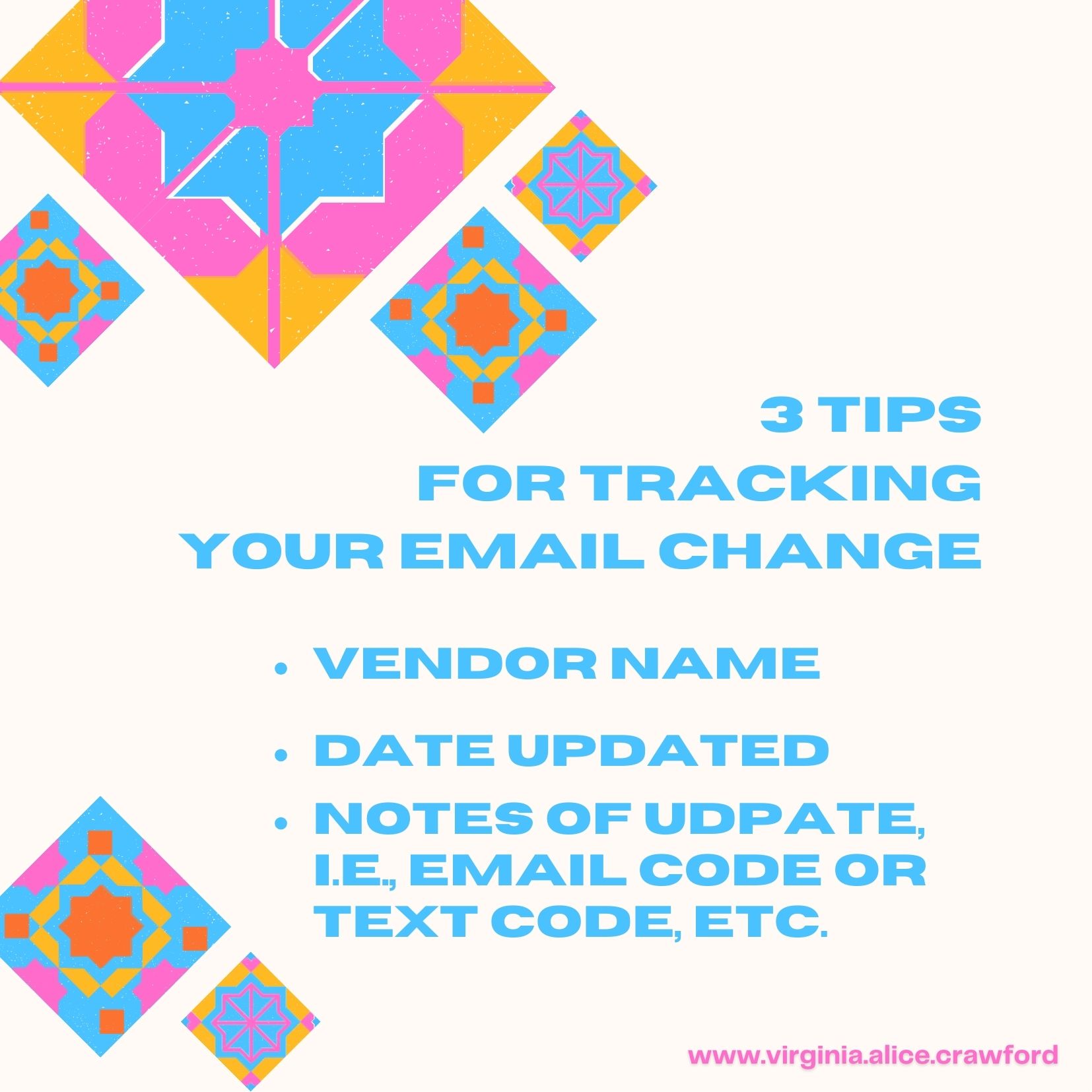
Once you’ve started your tracking system, it is very important to update it right away. Do not trust your memory, especially if you are updating quite a bit of accounts at a time. Over those few updates, it can get kind of confusing as online account apps accept email changes very differently from the other. So, in my case – personally, I list the name of the account/vendor, the date I made the update, and simple notes of how the change was allowed or accepted. For instance: Bank 101; 11/9/23; updated from old email to new email with OTP email code (or with security question or text code).
Questioning the Process
Why the notes? Well, one, just in case something happens and the company tells me I never updated my email, I have a note to remind myself of their process. And two, over time, it will all be less daunting. To date, I have updated 28 accounts and imagine this is not even half of the online accounts where I use my email – either for access (like a user name), payment reminders, or other information. I even use my email for personal care and medical reminders as well as for my pet veterinary and grooming reminders.
As many of you know, I’m kind of an attention-to-detail kind of person, so it makes sense that I would track this process and encourage you to do so as well, that is, if you’re considering updating your email. I realize many people keep their same email no matter what, and that’s great. That’s what I wanted to do, as well. But, I know a lot of people who change their email all the time. Well, not really all the time, but a lot of people who make the leap. What they do is create a new email but keep the old one just in case they get something important in the old one or forgot to update an important account. This is a good strategy, and so I’ll probably have my old email a lot longer than I was anticipating.
My husband is a person who has at least five or six emails. He doesn’t even know who he’s let this happen. Of course, I shouldn’t speak. As I mentioned earlier, I have several due to my LLC. I also know a few other persons who have several emails and would like to get rid of a few but are afraid to or don’t know how. The good news, for me, is setting up that tracking system. By making a list of what accounts have been changed to the new email address, or the one you want to keep, you will then know – over time – when you can completely delete an old email address.
Questions & Answers
Why did I decide to update my email address? I learned that Yahoo is no longer maintaining or servicing their free accounts. That’s right, I don’t pay for a personal email address. I do pay for the email address I need for my LLC as it is tied into my website. But, that’s it.

What was the deciding factor on changing emails? I just got tired of having at least four tabs open of email accounts to check and keep up with. It’s time-consuming and, therefore, not efficient.
What made you decide to go with the new email address you have chosen? I wanted an email that was for my personal, business, and for my books, social media, and marketing. Since most of my social media accounts are virginia.alice.crawford, I decided to see if it was available with Gmail. And it was. I’ll miss using the virg_crawford, mainly as it’s shorter to type and to write, lol, but I still sign my name Virg, most of the time, so I’m good with that.
What is one thing you want your readers to know about email? The reason you are using email. Email is a communication tool, and it is important to understand this one thing about it. We can say that Digital Mail, or email, is the NEW snail-mail. I know many who don’t check their email. It’s like a big black unknown to them. Emails pile up, just like the table with junk mail used to, and it becomes overwhelming. However, email is used by not just sales companies, but every company out there to communicate all sorts of information. We’re talking about banking, medical, and even social security. Email is the one digital thing we need to feel good about. So cleaning it up by unsubscribing to ad emails and newsletters that are no longer useful is a good idea.
Changing your current email address can be challenging, but it doesn’t need to be overwhelming. Step by step, it can be done. I’m doing it and I know you can, too, if you want.
On a last note, I encourage you to consider changing your email address only if you aren’t happy with the name, the service, or the amount of spam you get. I used to get tons of spam with Yahoo. So far, the spam with Gmail is minimal or not at all. And choosing your service is just as important as the name of the email address you choose. Yes, it can be a hit and miss with either, but educating ourselves about all of it is a good place to start.
If you have any questions I haven’t covered here, please feel free to ask me. Every question is important, and I just may have the answer; if not, I’ll be happy to help you find out.
Love & hugs, Virg
Note: As many of you know and I have mentioned before, I like to share my experiences with email, website, and social media. I am not a fan of email or text spam (who is?) and am perplexed and amazed at how savvy spambots are and can be. Stay tuned for the first blog post of next month as I share tech-savvy text tips on deciphering text spam, blocking spam texts, and learning to be okay with blocking spammers (it’s okay, they expect you to, and I’ll tell you why).
 Virginia Alice Crawford